Essays
Dating the past without sounding like a tech blog
Most themes stamp every post with the date you hit publish. For anything historical, that small detail quietly ruins the spell.
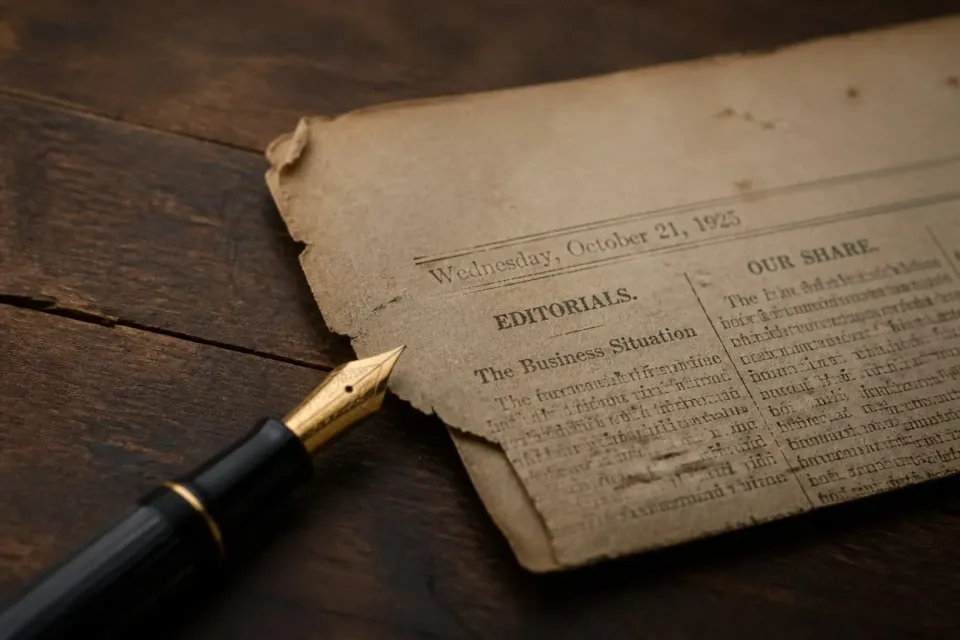
You spend an afternoon writing about the burning of the Library of Alexandria. You get the smell of the smoke onto the page. You press publish — and your theme stamps the piece, in cheerful little letters: 2 days ago.
And just like that, the spell breaks.
Dates carry meaning, and the meaning is not always "when I happened to press the button." For a news site, "2 days ago" is exactly right. For a history blog, an archive, a museum's notes, a page of historical fiction, the date that matters is the one in the story — the year of the event, not the afternoon you wrote about it.
Three ways to show a date
Xpresiva lets you choose, from the panel, how dates appear across the whole site:
- Relative — "2 days ago." Honest and immediate; perfect for a fast-moving newsroom.
- Long — "3 June 2026." The sensible default for almost everything.
- Historical — the modern date steps aside, and you place the real dateline inside the piece, like this:
That is not a timestamp; it is a dateline — set in small capitals and your own brand colour over a fine rule, the way a serious paper has always marked where and when. Above a piece on the trial of Socrates it belongs; "posted last Tuesday" never could.
Who it's for
Historical mode earns its keep on history blogs and "on this day" columns, on heritage and museum sites, in reenactment communities, and in fiction that lives in another century — anywhere the present tense of a publish date would quietly contradict the page.
And, because this is the whole idea behind the theme, it is a choice and not a rule. One switch turns it on; left alone, your dates stay exactly as they are. Options, not impositions.


Comments ()